Daily Sales
Track the payments and completed work associated with the day instead of manually adding invoice totals.

Sales, payments, customer activity and order-level numbers should come from the same repair-order data the shop uses every day—not a second spreadsheet built after closing time.
A beautiful chart cannot fix a repair order that recorded the payment incorrectly. That is why reporting has to be connected to deposits, partial payments, unpaid balances, discounts, taxes, closed orders and the dates those events actually happened.
The 5 Star Support reporting workflow was repeatedly refined around those details because a single payment bug can distort an entire day or month.
Repair orders have creation dates, scheduled dates, completion dates and payment dates. Those are not interchangeable. A report needs a clear definition of which date drives a number, especially when deposits or unpaid balances cross days.
Track the payments and completed work associated with the day instead of manually adding invoice totals.
Roll the same transaction data into broader periods for trend visibility.
Review historical orders and payment records when the shop needs to audit a prior transaction.
Measure the number of customers moving through the business rather than only revenue.
Understand shop volume in terms of vehicles serviced as well as dollars collected.
Keep labor, parts, costs and totals visible on the repair order so reporting can reflect job economics.
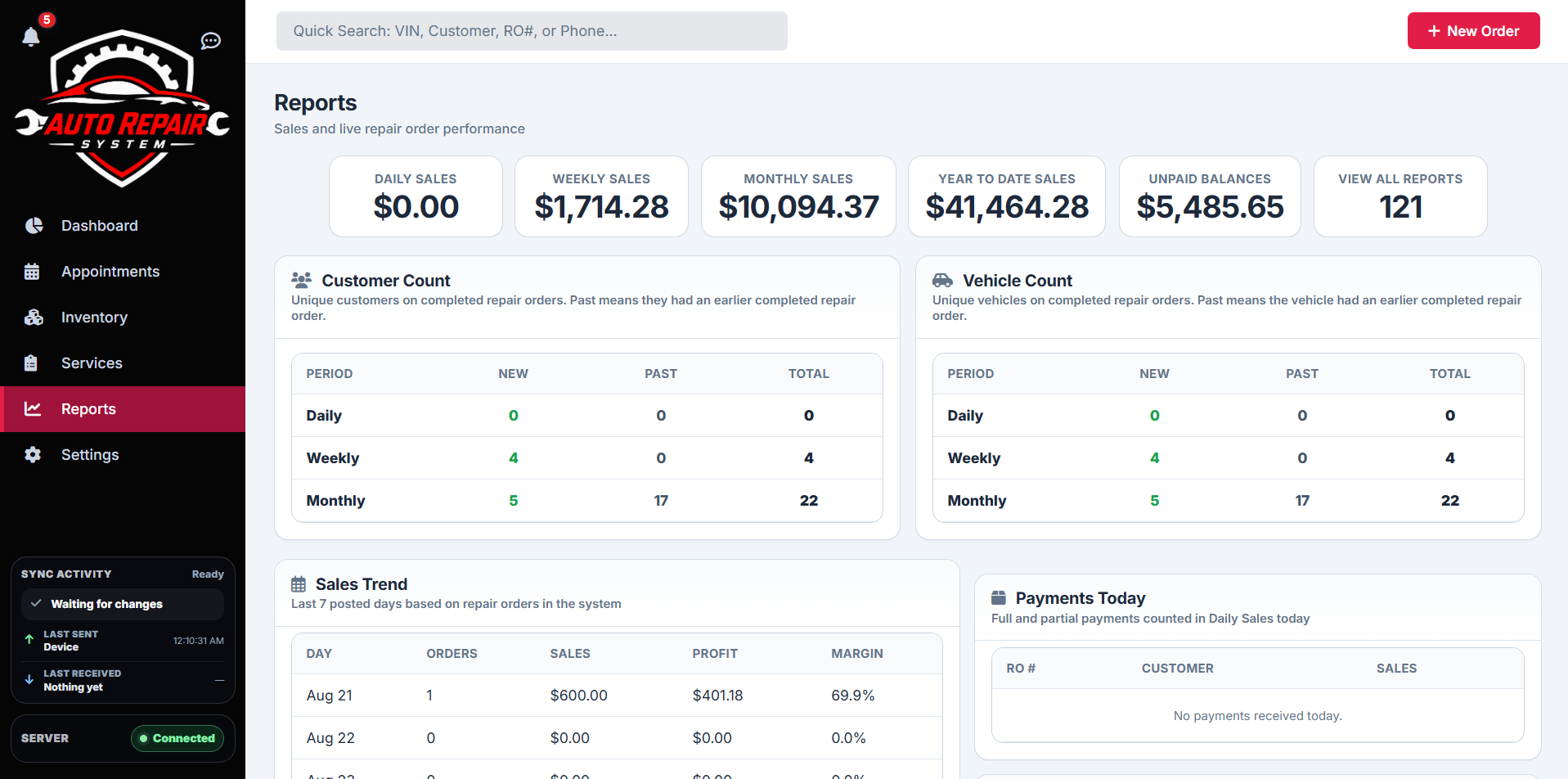
When a number looks wrong, the shop should be able to open the underlying order and understand where it came from. That traceability is more valuable than adding dozens of charts that cannot be reconciled to the actual job.
The system is designed to keep operational detail close enough to the report that the shop can investigate a payment, unpaid balance or customer history without leaving the platform.
The demo closes the job, collects payment and shows the result in daily reporting.